ck44sap App – Download the APK for Android
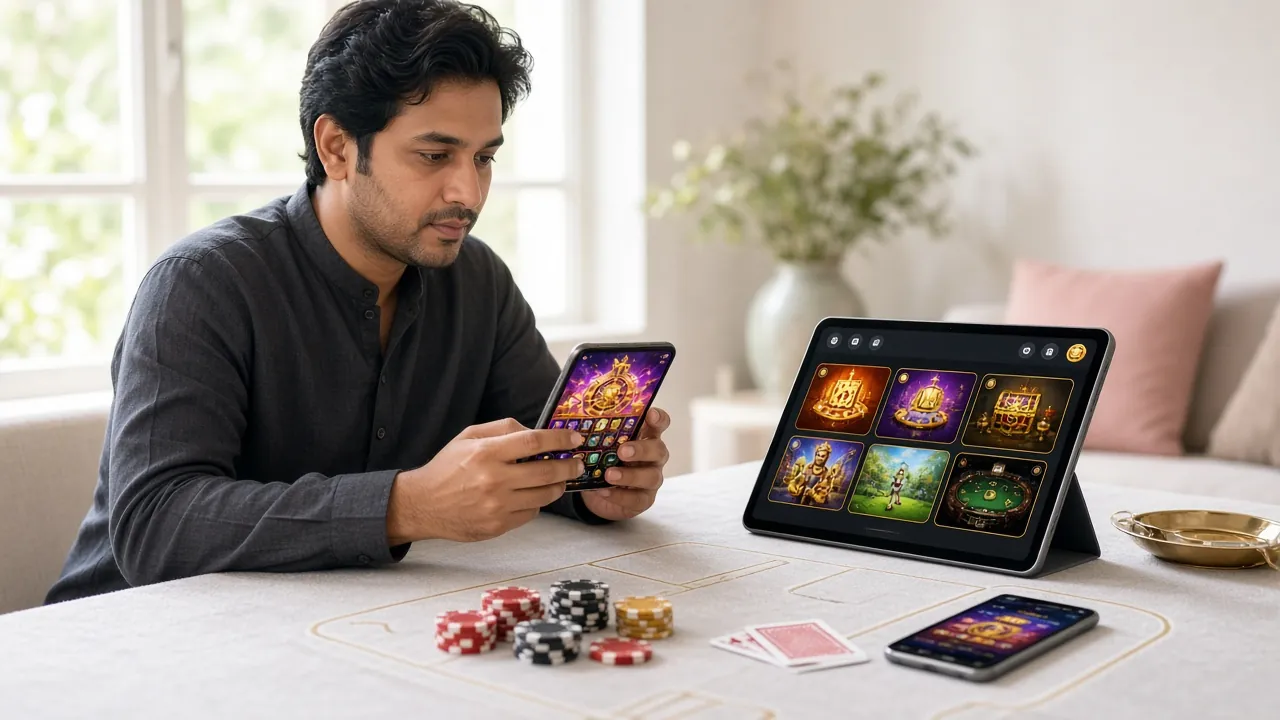
The ck44sap app puts Cricket betting, Crash games, Live Casino and over 2,000 slots in your pocket. Free to download, works on Android 7.0 and above, and takes under five minutes to install.
ck44sap.apk · 45 MB · Android 7.0+ · Free
- SSL Secured
- Android 7.0+
- 24/7 Support
- 18+ Only
App vs Browser – What Actually Changes
The ck44sap website works fine in Chrome or Firefox, but the dedicated app is built specifically for mobile play. Here is a direct comparison so you can decide which suits your session.
| Feature | ck44sap App (APK) | Mobile Browser | Why It Matters |
|---|---|---|---|
| Load speed | Faster – assets cached locally | Re-downloads on each visit | Less waiting between games on a slow mobile connection |
| Push notifications | Match alerts, bonus reminders | Not available | You won't miss a T20 start time or a reload bonus window |
| One-tap login | Saved session, biometric option | Depends on browser | Open the app and you're in – no typing every time |
| bKash / Nagad deposit | Native intent, auto-redirects to wallet | Works via browser tab | App handoff is smoother – deposit clears in ~4 minutes either way |
| Cricket live scores | Inline scoreboard widget | Requires page refresh | Watch odds shift in real time during IPL and BPL matches |
| Crash game stability | WebGL rendered natively | Can stutter on older phones | Smooth multiplier climb matters when you're timing your cash-out |
| Screen orientation lock | App locks to landscape for slots | Manual rotation required | Landscape view shows the full game reel without zooming |
| Storage required | 45 MB after install | ~0 MB (browser cache only) | Small enough for mid-range phones with limited internal storage |
What You Can Do Inside the ck44sap App
Cricket Betting
Place bets on BPL, IPL, T20 World Cup and ODI series. The app shows live in-play odds that update every few seconds, so you can react while a over is still being bowled.
Crash Games
Play Crash Bonus and other multiplier titles from JILI. Tap Cash Out at the right moment – the app's low-latency connection means your tap registers before the rocket drops.
Live Casino
HD live-dealer tables from Evolution run smoothly on Android 7.0 and up. Teen Patti, Baccarat, Roulette and game-show tables are all accessible without a desktop browser.
Slots – Over 2,000 Titles
Pragmatic Play, CQ9, JILI and Spribe slots load fast thanks to local caching. Titles like Fortune Snake, Aladdin and Monster Fight are all available from the home screen.
bKash & Nagad Deposits
Fund your account directly from the app via bKash, Nagad, Rocket or Upay. Minimum deposit is ৳500, and funds clear in roughly 4 minutes. No bank card needed.
Fast Withdrawals
Request a withdrawal to bKash or Nagad inside the app. First-time withdrawals are reviewed in about 2 hours after KYC; repeat withdrawals typically arrive within 7 minutes.
Popular Games in the App


Version & System Requirements
The ck44sap app is available only as an Android APK. Because it is not on the Google Play Store, you must allow installation from unknown sources (explained in the install steps below). iOS users can use the mobile site via Safari.
| Item | Detail |
|---|---|
| App version | 2.4.12 |
| File name | ck44sap.apk |
| File size | 45 MB |
| Minimum Android | Android 7.0 (Nougat) or above |
| Last updated | 9 November 2026 |
| Price | Free |
| Languages | English, Bangla |
| Internet required | Yes – Wi-Fi or mobile data |
| RAM recommended | 2 GB or more for Live Casino |
- App version
- 2.4.12
- File size
- 45 MB
- Min. Android
- 7.0+
- Withdrawal time
- 7 min
Get the ck44sap APK
This is the official APK file served directly from ck44sap. Do not download from third-party sites – only this link is verified and updated.
No account yet? Register on ck44sap before installing – you'll need a username and password to log in after setup.
Scan with your phone camera to download directly
Everything in One App
- Crash & Slots on the go. Play Crash Bonus, Fortune Snake and 2,000+ other titles from any location in Bangladesh – bus, break room, or home.
- Deposit without switching apps. The ck44sap app opens bKash or Nagad directly via an intent link, so your deposit does not need you to copy any reference number manually.
- Match-day alerts. Enable notifications and the app will ping you when a cricket match starts, when a bonus drops, or when your withdrawal is approved.
- Live Chat support at a tap. The 24/7 live chat is accessible from the app menu – no need to open a browser to reach the support team.
How to Install the APK on Android
Android blocks apps from outside the Play Store by default. You need to allow "unknown sources" once before installing. The whole process takes under five minutes on any Android 7.0 or newer device.
-
1
Allow Installation from Unknown Sources
Go to Settings → Security (or Settings → Apps → Special App Access on Android 8+). Find "Install unknown apps" or "Unknown sources" and enable it for your browser or file manager. This setting only needs to be changed once. On Samsung devices it is under Biometrics and Security → Install Unknown Apps.
-
2
Download the APK File
Tap the Download APK button on this page. Your browser will save ck44sap.apk (45 MB) to your Downloads folder. Make sure you are on a stable Wi-Fi or mobile data connection – a dropped connection during download can corrupt the file and require a fresh download.
-
3
Open the Downloaded File
Pull down your notification shade and tap the completed download, or open your file manager and navigate to Downloads → ck44sap.apk. Android will show a system dialog: "Do you want to install this app?" Review the permissions list – it should request Internet, Storage and Notifications access only.
-
4
Tap Install and Wait
Press the blue Install button. Installation takes around 10–20 seconds. Do not press the Home button while it is working. Once finished, Android will show an "App Installed" confirmation. You will see a new ck44sap icon on your home screen and in your app drawer.
-
5
Log In and Start Playing
Open the ck44sap app and sign in with your existing account credentials. If you do not have an account yet, tap Register inside the app or visit the ck44sap registration page first. New accounts qualify for the 170% welcome bonus on your first deposit up to ৳13,000 – minimum deposit ৳500.
iOS Users – Add to Your Home Screen
Apple does not allow direct APK installation on iPhone or iPad. Instead, you can add the ck44sap site as a web app – it behaves like a native app once added.
-
1
Open ck44sap.asia in Safari
Safari is required for this to work – Chrome on iOS does not support "Add to Home Screen" properly. Navigate to ck44sap.asia and wait for the page to fully load. Log in or register so the home screen shortcut opens straight to your account.
-
2
Tap the Share Icon
At the bottom of Safari, tap the Share button (the box with an arrow pointing up). Scroll down the share sheet until you see "Add to Home Screen". Tap it. You can rename the shortcut to ck44sap before confirming.
-
3
Tap Add and Launch
Tap Add in the top-right corner. The ck44sap icon will appear on your iPhone home screen. Opening it launches the site in a full-screen browser window without Safari's address bar, giving an experience close to a native app.
Security & App Permissions
It is reasonable to be careful when installing any APK. Here is exactly what the ck44sap app requests, and why.
Internet Access
Required to connect to the ck44sap game servers, live chat and payment APIs. The app does not connect to any other external network. All traffic is encrypted with TLS 1.3 – the same standard used by banking apps in Bangladesh.
Storage Permission
Used only to cache game assets and save your session token locally – so games load faster on repeat visits. The app does not read your photos, contacts or documents. Storage access is scoped to the app's own directory on Android 10 and above.
Notifications (Optional)
If you allow notifications, the app will alert you about live cricket matches, bonus windows and withdrawal status. You can revoke this permission at any time from Android Settings without affecting core app functionality like deposits or game play.
File Integrity Check
The official APK is only served from this page at ck44sap.asia. Third-party mirror sites may distribute altered files. After installing, the app version should read 2.4.12 (visible in app Settings → About). If it shows a different version, uninstall and re-download from this page.
Common Install Problems & How to Fix Them
Most issues come down to one of five causes. Find your error message below, confirm the reason, and follow the fix.
| Problem | Most Likely Cause | Fix |
|---|---|---|
| "Install blocked" | Unknown sources not enabled for your browser or file manager app | Go to Settings → Security → Install Unknown Apps, find the app you used to open the file (e.g. Chrome, Mi File Manager), and toggle it on. Then try installing again. |
| "Parse error" or "App not installed" | The APK file was corrupted during download, likely due to a dropped connection | Delete the partial file from your Downloads folder. Reconnect to a stable Wi-Fi network and download the APK again from this page. Do not use a VPN during download as it can interrupt the transfer. |
| App crashes on launch | Device is running Android older than 7.0, or available RAM is below 1 GB | Check your Android version under Settings → About Phone. If it is below 7.0, the APK will not run. Players on older devices should use the ck44sap mobile site in Chrome instead until they upgrade their handset. |
| "Not enough storage" | Internal storage has less than 50 MB free space at the time of installation | Open Settings → Storage and clear cache from heavy apps (like social media or streaming apps). The ck44sap app needs roughly 45 MB free. After clearing space, tap the APK file again to resume installation. |
| Login screen loops or goes blank | App is loading over a very slow mobile data connection, or the session cache is stale after an update | Force-stop the app under Settings → Apps → ck44sap → Force Stop, then clear the app cache (not data). Reopen the app. If the problem continues, uninstall, re-download version 2.4.12 from this page, and reinstall. Contact 24/7 live chat if the issue persists. |
Questions Players Ask Before Installing
Is the ck44sap APK safe to install?
How do I update the ck44sap app when a new version is released?
Can I use the ck44sap app on an iPhone?
Do I need to create a separate account for the app?
How much mobile data does playing in the app use?
Can I claim my welcome bonus and other promotions inside the app?
What happens to my account and balance if I uninstall the app?
Next Steps After Installing
Got the app installed? Here are the pages most players visit next.
18+ · Play Responsibly. The ck44sap app is intended for adults aged 18 and over. Gambling should be for entertainment. If you feel your play is becoming a problem, use the deposit limits and self-exclusion tools in the app's account settings, or visit our Responsible Gaming page.